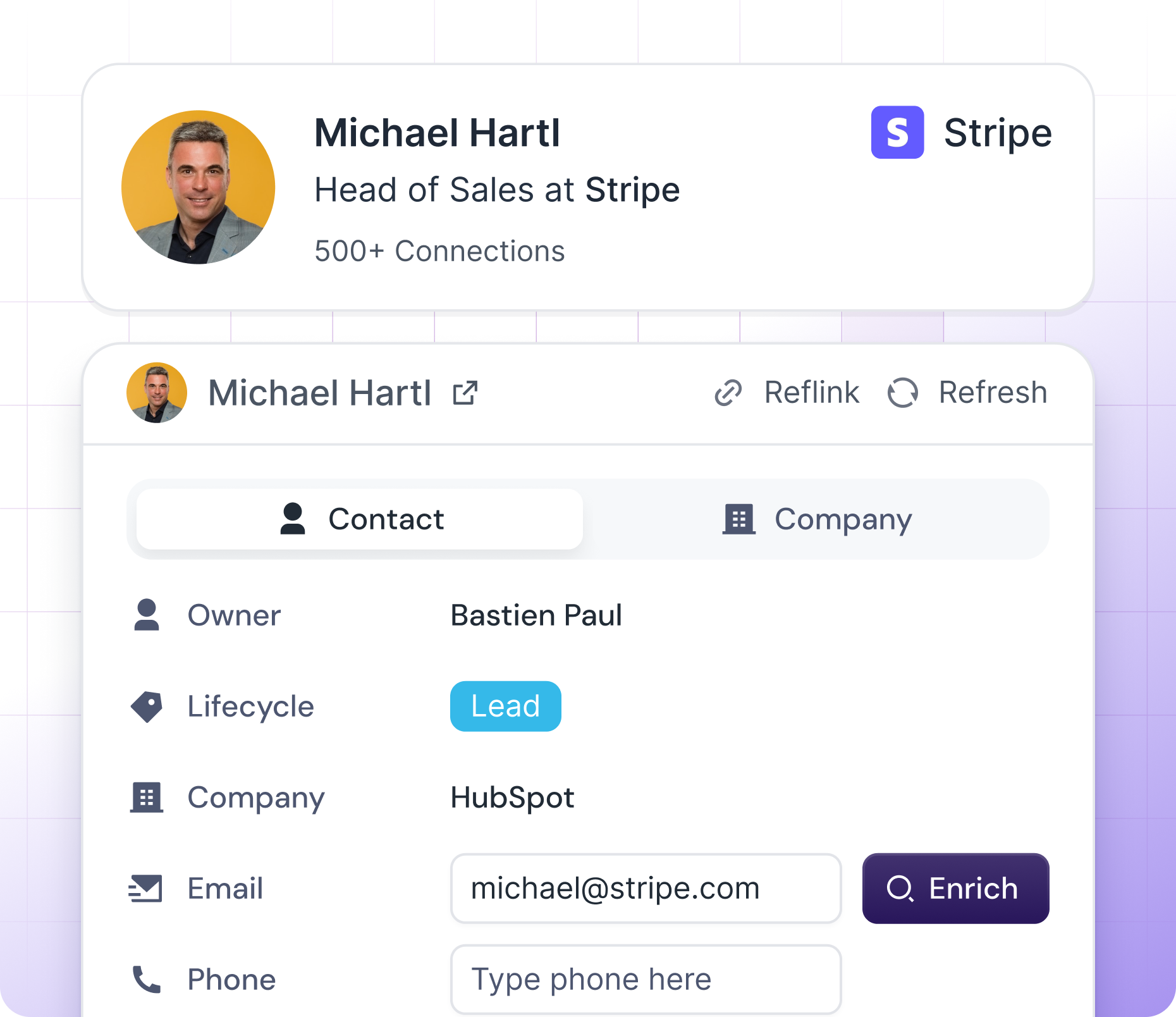
Add LinkedIn contacts to HubSpot in one click, enrich them with key details, and see HubSpot insights directly on every profile.

HubSpot LinkedIn Chrome Extension
Track Your Reps' LinkedIn Outreach in HubSpot
Manage your team, track quotas, and sync LinkedIn activity to HubSpot in just a few clicks. Hublead saves reps 10+ hours monthly while keeping your CRM clean.
Loved by 8,000+ Users













Get the right contact details.
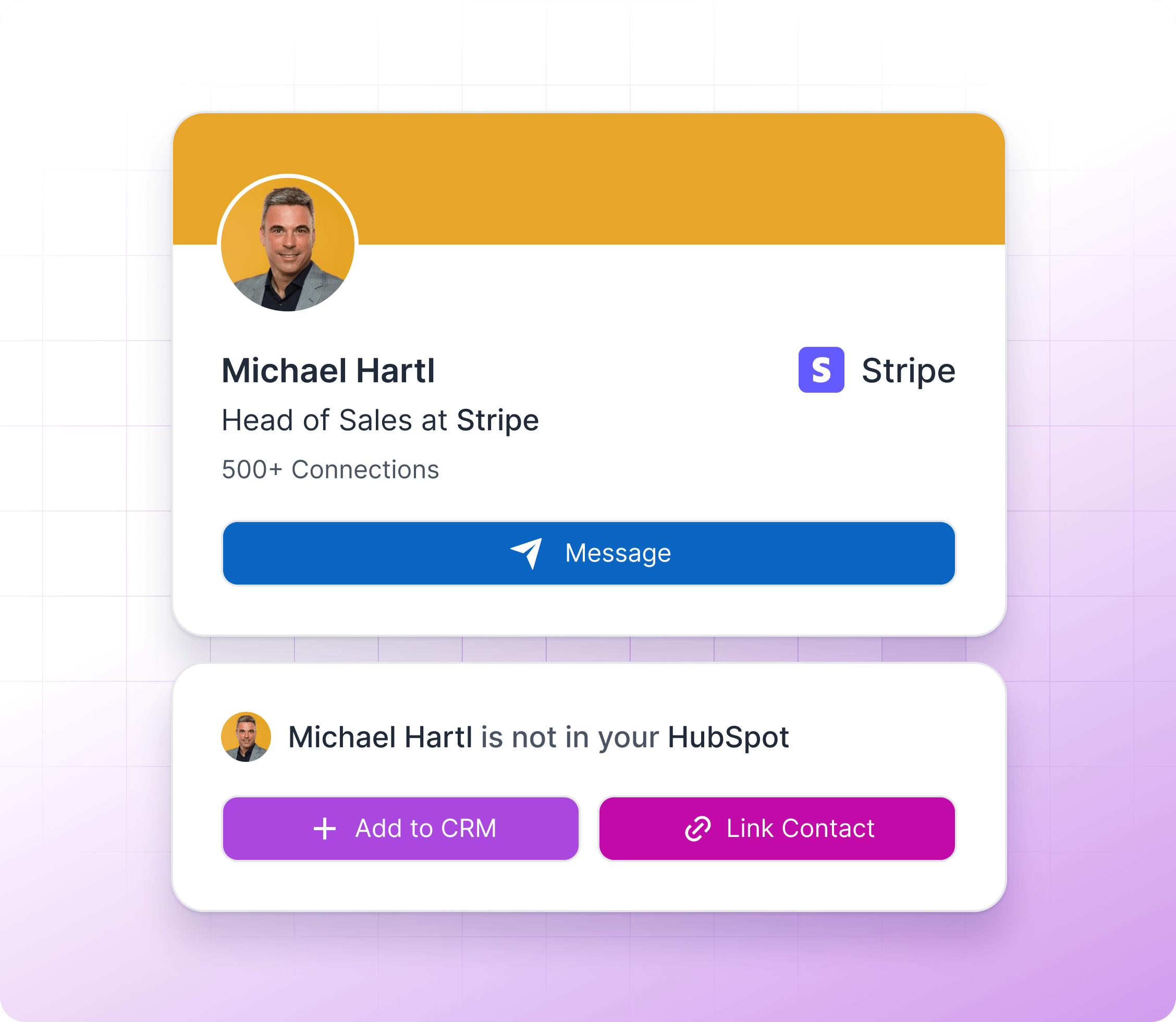
Enrichment is messy — juggling multiple tools just to find the right email or phone number.
With Hublead, we take care of it. Each time you enrich a contact, we automatically pull from multiple data providers to give you the most accurate details.
Learn more
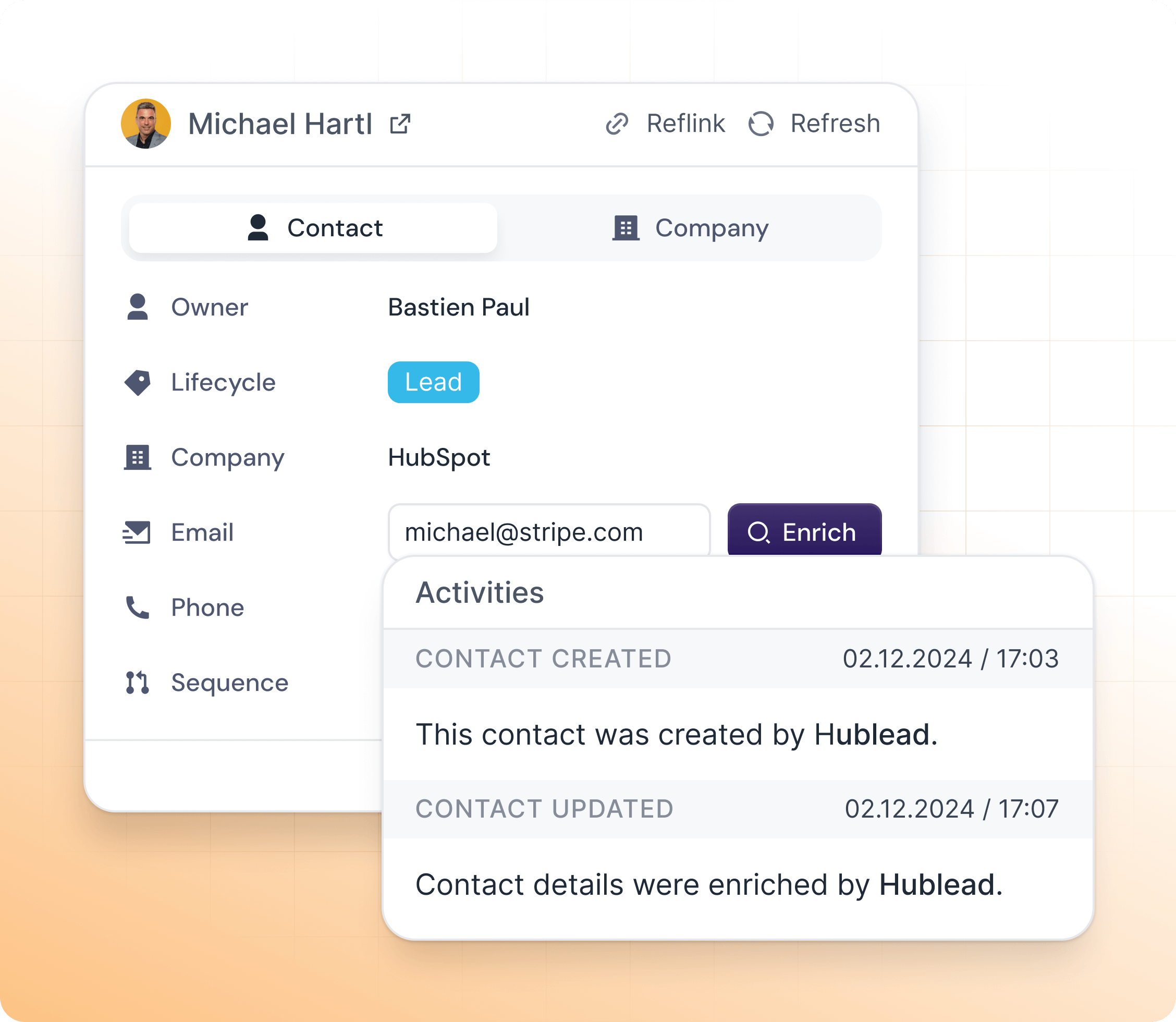
All Sales Activity Synced to HubSpot
Hublead imports only prospect conversations, keeping your CRM clean — and lets you reply directly from the contact record.
Learn more
Get the right contact details.
Enrichment is messy — juggling multiple tools just to find the right email or phone number.
With Hublead, we take care of it. Each time you enrich a contact, we automatically pull from multiple data providers to give you the most accurate details.
Learn more
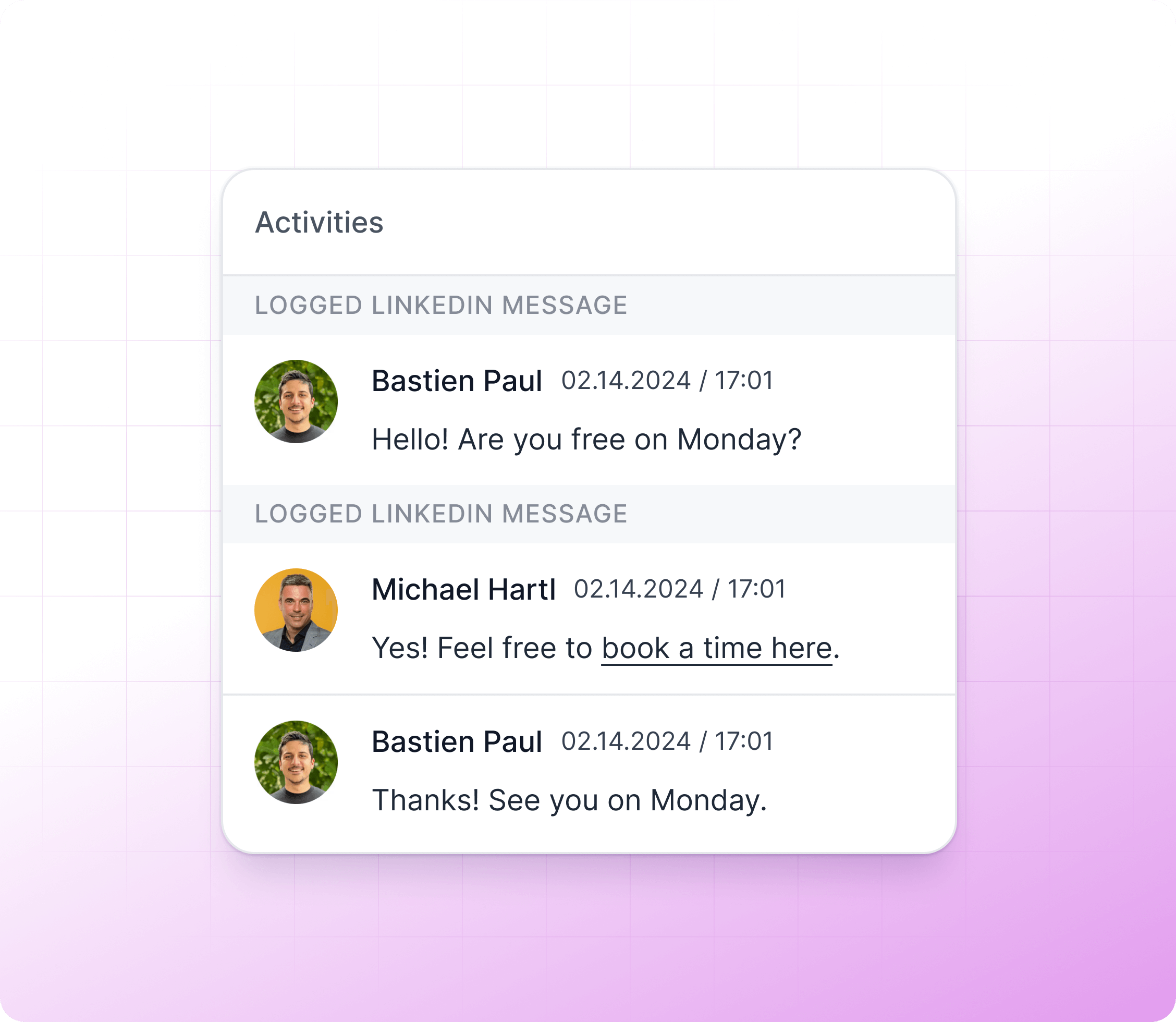
Keep Your CRM Effortlessly Up-to-Date
Hublead auto-deduplicates contacts and syncs key details to HubSpot, keeping your CRM clean and saving your team time.
Learn more
Get the right contact details.
Enrichment is messy — juggling multiple tools just to find the right email or phone number.
With Hublead, we take care of it. Each time you enrich a contact, we automatically pull from multiple data providers to give you the most accurate details.
Learn more
Built to simplify your LinkedIn workflow
Perfect for Sales Managers Seeking LinkedIn Insights in HubSpot
Stop wasting time copying and pasting — Hublead lets you focus on prospecting. With Hublead, you can:
Automate Prospect Entry
Monitor your team’s performance and efforts without micromanaging
Auto-Sync Contact Data
Get complete visibility into team LinkedIn prospecting activity
Auto–Sync Activity Data
Eliminate manual data entry that slows down your reps
Prospect Lists in One Click
Ensure consistent data quality across all team members
Report & Insights
Improve forecasting accuracy with complete activity records
Built to simplify your LinkedIn workflow
Frequently Asked Questions
No need to learn a new tool, Hublead is integrated right into your LinkedIn navigation, helping you stay organized and maximize your prospecting efforts.
How do I add LinkedIn profiles to HubSpot?
It just takes one click with Hublead. Go to any LinkedIn or Sales Navigator profile and click on "Add to CRM." This will sync LinkedIn contacts directly to a HubSpot contact record.
Can I import LinkedIn contacts into HubSpot?
With Hublead, you can import LinkedIn contact details to HubSpot contacts. Hublead matches all LinkedIn fields to HubSpot properties. Just click on "Add to CRM" and the data will automatically be imported to your HubSpot account.
Does Hublead work with LinkedIn and LinkedIn Sales Navigator?
Yes! Hublead works with both LinkedIn and LinkedIn Sales Navigator. Unlike HubSpot’s native integrations, Hublead adapts perfectly to your workflow on LinkedIn.
If a sales rep leaves the company, will their activity still be in HubSpot?
Yes! Hublead automatically captures conversations and data to HubSpot, giving you a complete system of record. If a rep chooses to leave, all of their messages and activities will still be recorded for your team.
Is my data secure with Hublead?
Yep! You can trust us to handle your data securely while we import it to your HubSpot portal.